
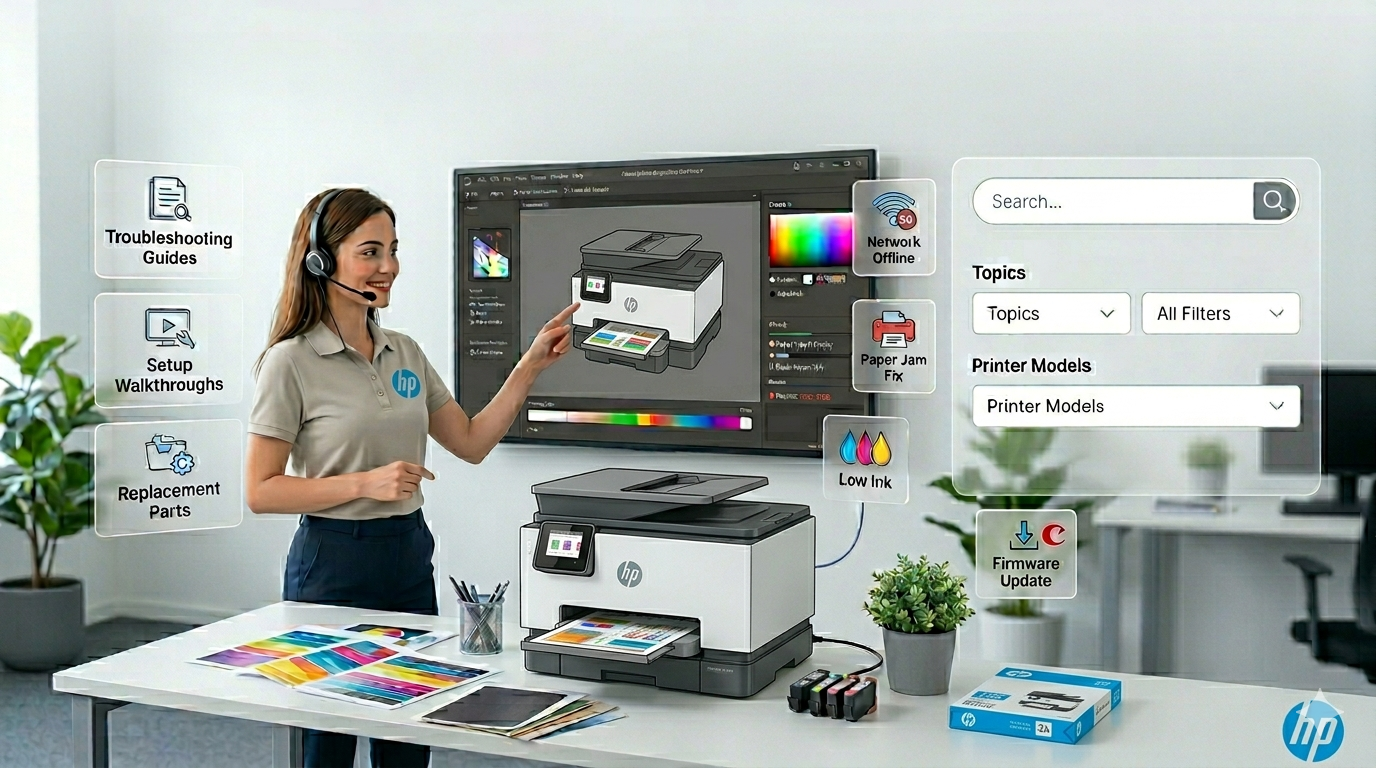
HP Printers
HP Printer Setup: OfficeJet, LaserJet, DeskJet & ENVY
Full install guide for Windows 11/10 and Mac — USB, Wi-Fi, and Ethernet with HP Smart app.
Expert step-by-step guides for HP, Canon, Epson, and Brother printers. Fix Wi-Fi issues, driver problems, offline errors, and print quality — for Windows 11 & Mac.
Select your brand and enter your model number to get started instantly.
The most common printer problem solved: clear the print queue, reset the spooler, switch to a Standard TCP/IP port, assign a static IP, and tune SNMP for reliable status reporting. Covers Windows 11 and Windows 10.
Read Full Guide →
Full install guide for Windows 11/10 and Mac — USB, Wi-Fi, and Ethernet with HP Smart app.
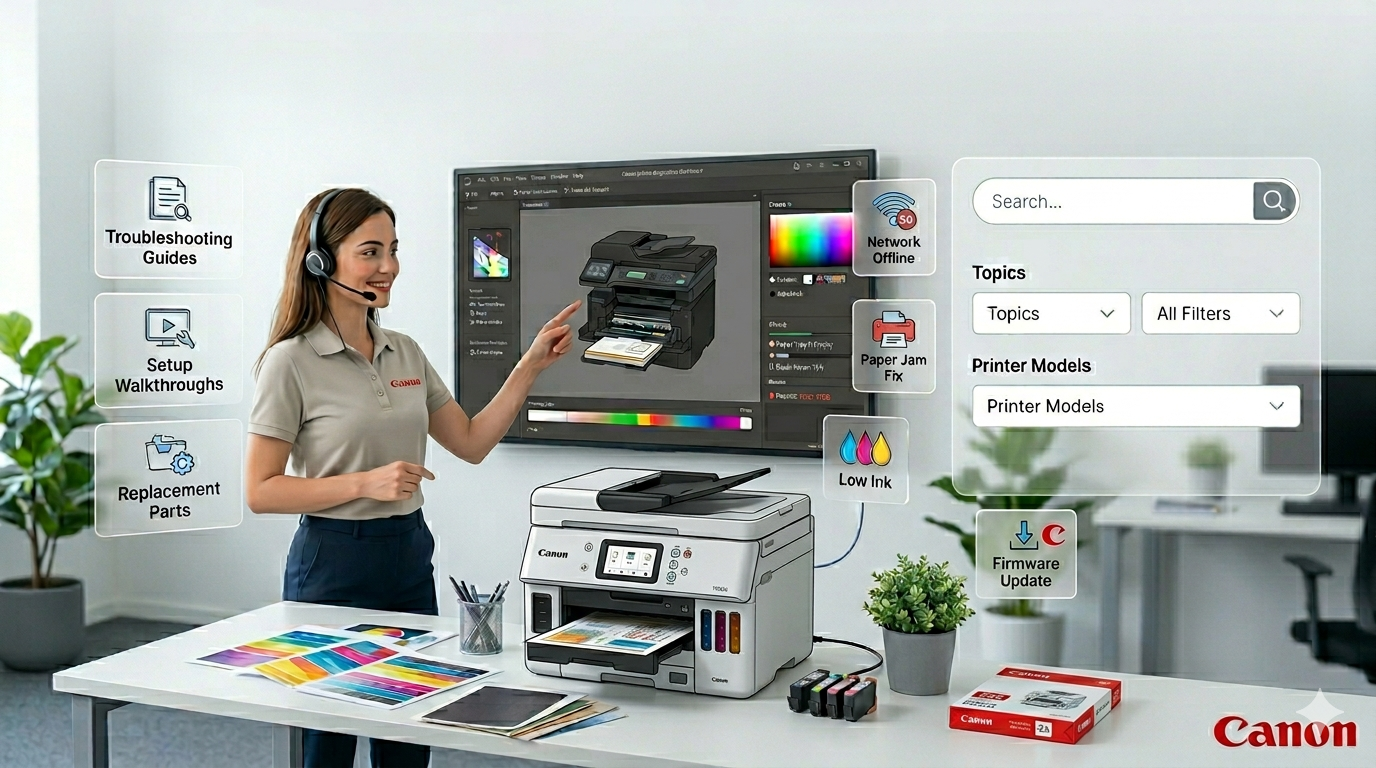
Easy Wireless Connect, WPS, and manual Wi-Fi setup for all Canon series on Windows and Mac.
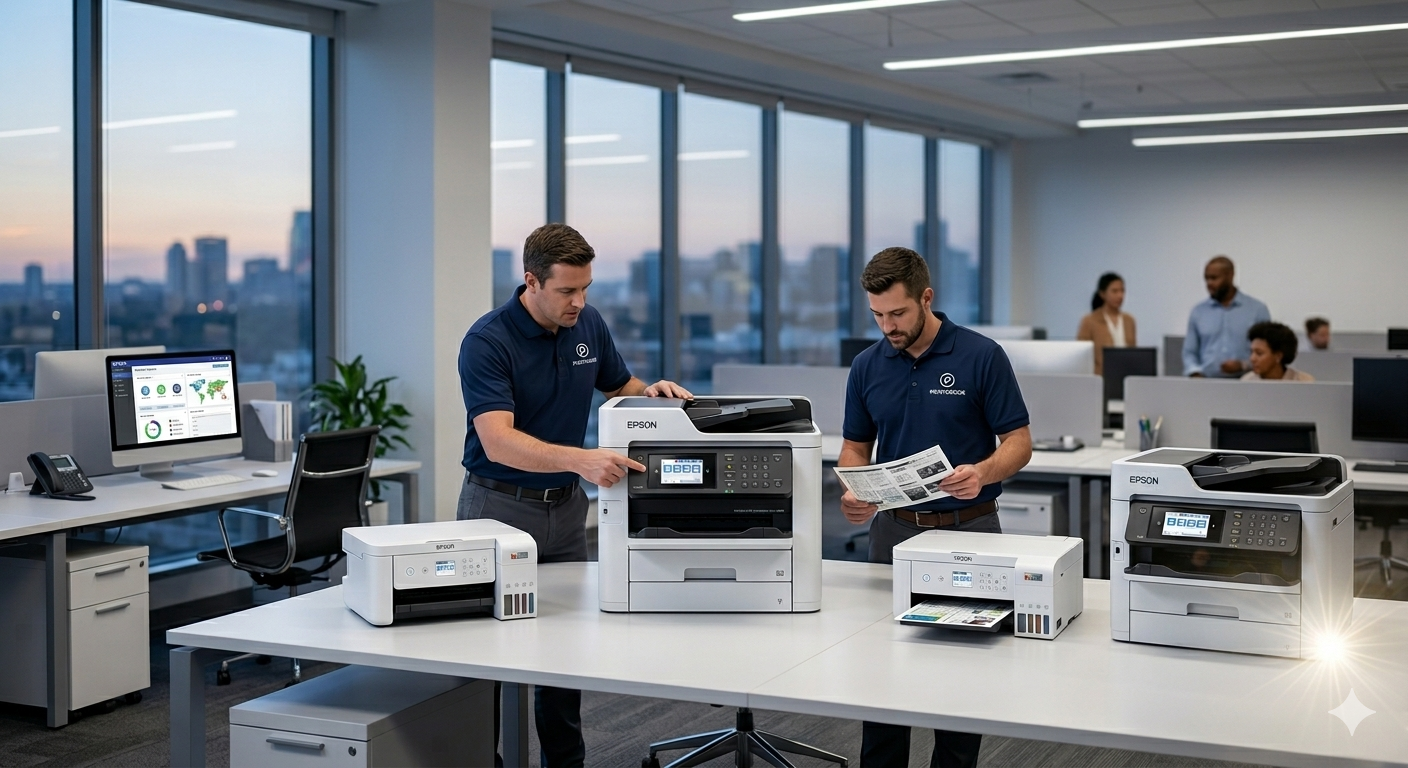
EcoTank ink filling, Wi-Fi configuration, and Epson Connect cloud printing — complete walkthrough.
Diagnose band issues, try WPS or manual SSID, and use Wi-Fi Direct for quick ad-hoc printing.
Fully remove stale packages, reboot, and reinstall the correct driver without conflicts.

Nozzle checks, head alignment, drum/toner maintenance, and paper profile settings explained.
Check cable, port, drivers, disable USB selective suspend, and clear Device Manager errors.
Quality settings, firmware, spooler clearing, and network optimization for faster output.
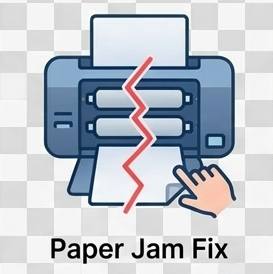
Locate the jam path, remove paper safely, inspect rollers, and prevent recurring jams.
Clean contacts, reseat cartridge, remove tape, update firmware, and reset to factory defaults.
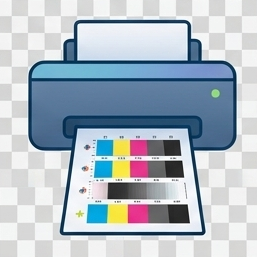
Check ink/toner levels, clean nozzles, verify paper feed path, and fix connectivity issues.
Printeroids Driver Updater detects your printer model and installs the correct driver in one click. No manual searching.
Select your brand and enter your model number to get started.